

Add your own opening
Write a short introduction above the source description. Preview the text before you continue.
TRAIL BUDDY / BY LOTTRAIL
Along for the ride.
Choose a supported vehicle and open the Facebook Marketplace draft directly. Review and customize in Trail Buddy when you want to. Your saved branding can appear on the first photo, with a separate contact card in the last photo slot.
Desktop Chrome · Available on configured supported sources · You review and publish in Facebook.
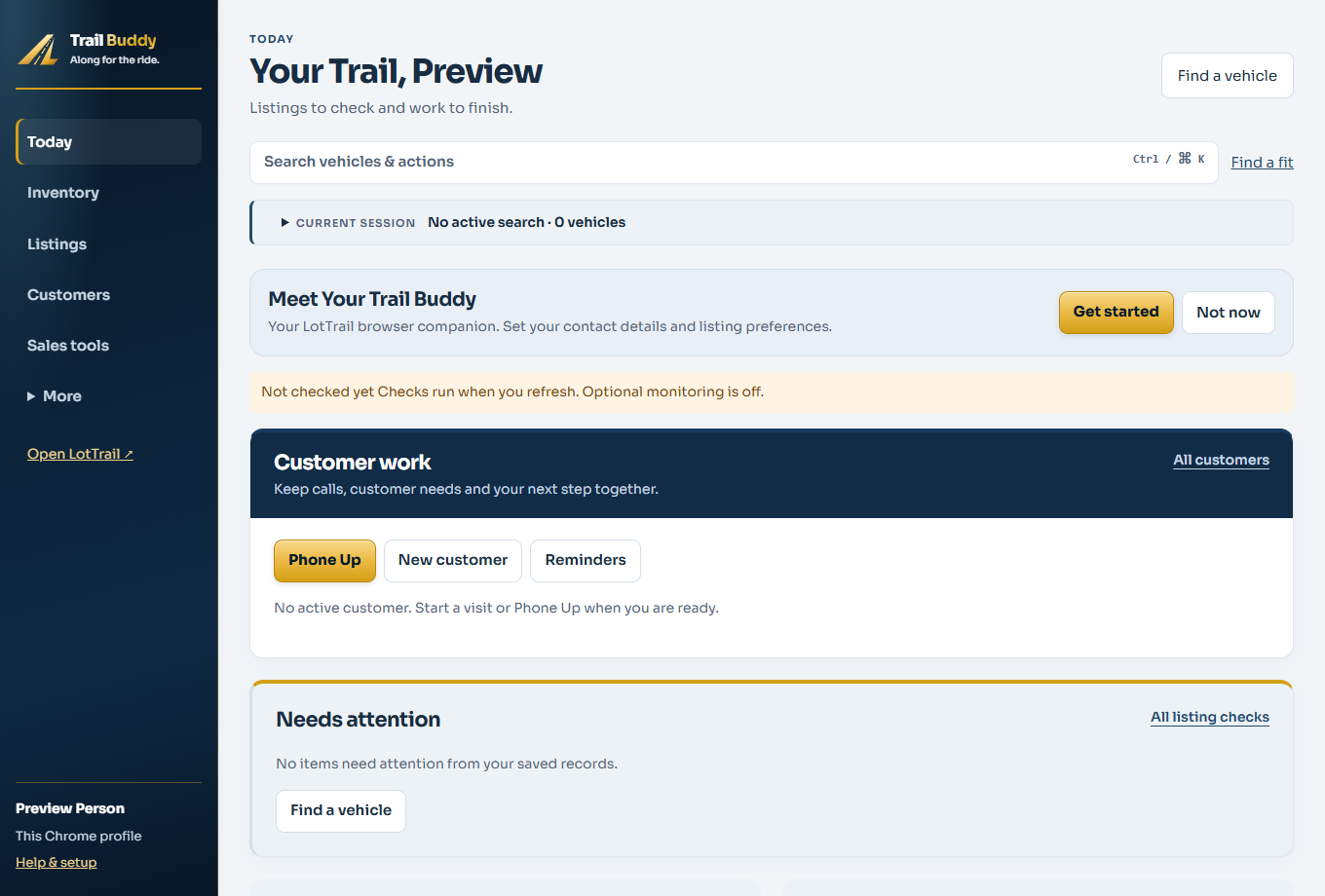
01 / PREPARE THE LISTING
Your saved profile and branding choices apply when you prepare. Open the optional editor for a short introduction or photo-order changes.
Write a short introduction above the source description. Preview the text before you continue.
Move a photo forward or back, remove one, or restore the source gallery order. A failed secondary image can be skipped when the lead photo and most of the gallery load.
Use Trail Buddy’s optional checks for a listing that needs adjustment, or open the Facebook draft directly. You still make the final check and publish in Facebook.
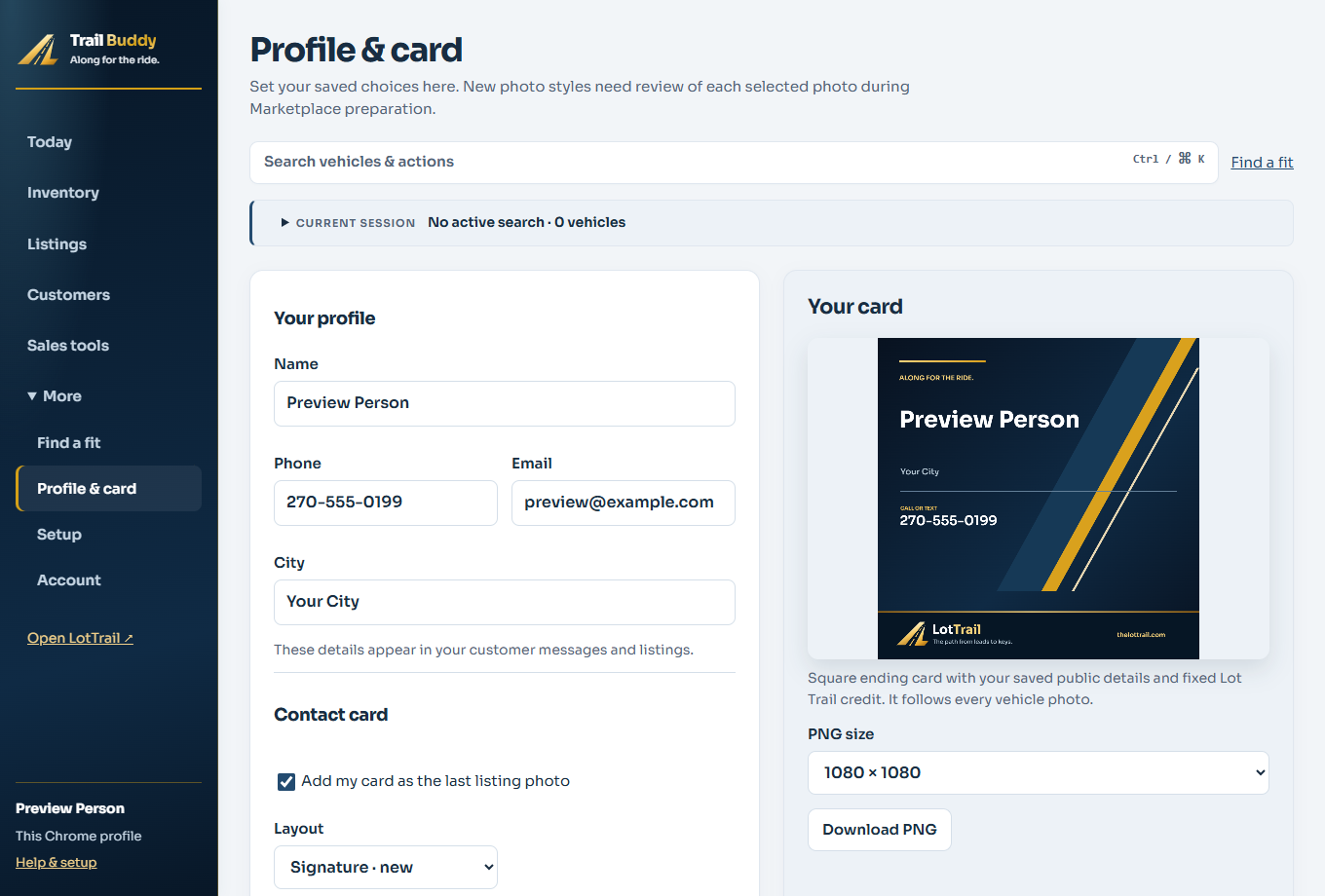
02 / YOUR DETAILS ON THE PHOTO
When enabled in your saved profile, Trail Buddy adds a branded bottom band to a prepared copy of the first vehicle photo. The existing all-photo choice remains available.
The original photo and its dimensions stay unchanged. Check coverage before using a large source banner.
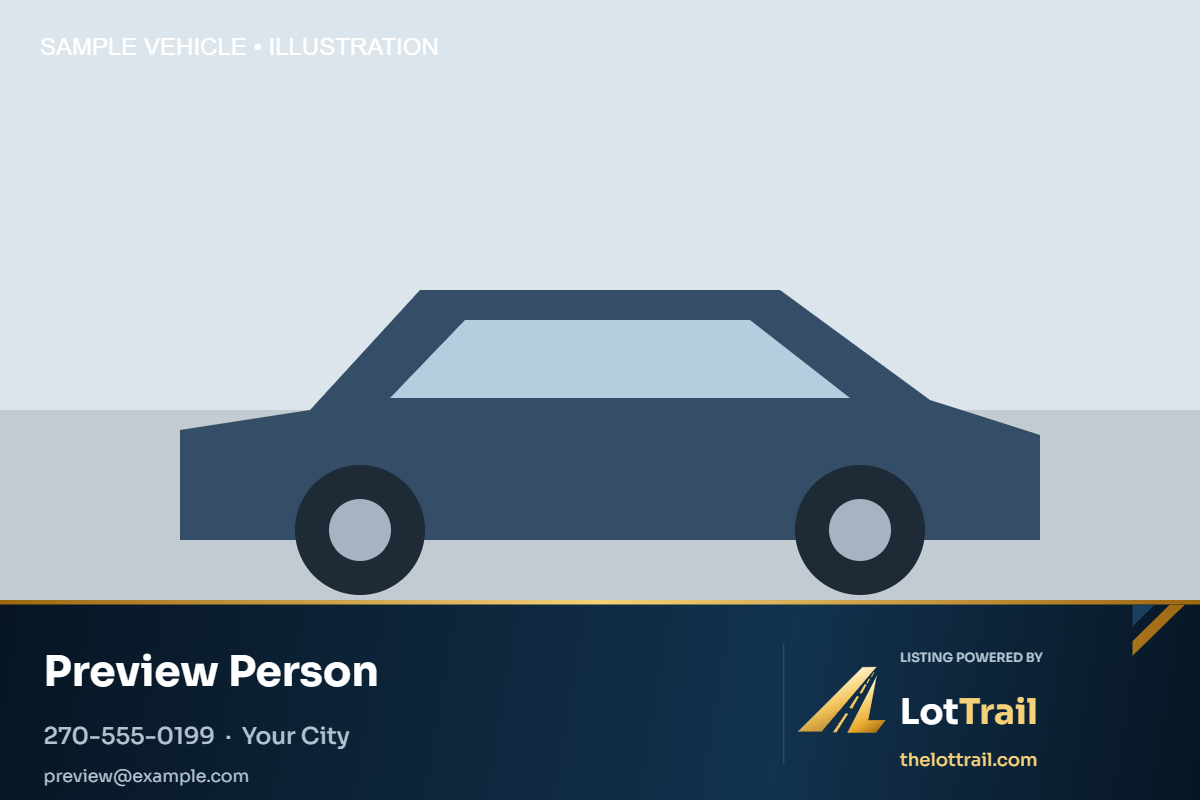

03 / YOUR CARD GOES LAST
When your saved card preference is on, Trail Buddy creates a separate square card from your profile and reserves the last of Facebook’s 20 photo slots for it. With 20 usable vehicle photos, the card takes the 20th vehicle-photo position.
Your name and permitted contact methods make it yours. You can update the layout and colors in Profile & card.
The card stays separate and last. LotTrail credit remains on the card.
04 / BEFORE YOU HIT PUBLISH
Trail Buddy helps fill the current Facebook form. Check every field and uploaded image there before publishing.
A prepared package and an opened Facebook form are separate steps. Neither proves that Facebook saved a draft or that a listing is public.
Publish manually in Facebook. Then record the real publication date in your listing history so later inventory changes can be reviewed.
Facebook’s form can change. If a field or image does not transfer, correct it manually before publishing.
See how Trail Buddy fits with the workspace, or check the current installation and account options.
Marketplace preparation runs in desktop Chrome. You check the details and publish in Facebook yourself.
Saved website listing work can be reviewed in a compatible approved Trail Buddy build. Price and gallery changes require a review. After you publish, return to LotTrail to confirm it. Older standalone extension history remains separate.
Trail Buddy is independent software, not an official Meta integration. Mark a listing as published only after you’ve posted it.